Preset
360 Orbit
A full circle around your subject — the shot that sells scale.
Type a scene — roor returns cinema. 4K video, real camera language, viral effects, and images that stop the scroll. Every model that matters, one studio.
Raw renders straight off the queue — no post, no cleanup. The caption under each clip is the prompt that made it.
Text to video with real fidelity: what the script says is what the lens does — subject, blocking, light, and movement.
Call the shot like a director — orbit, crash, crane, or fly FPV — and the model executes the physics. One preset per move, tuned so it lands every time.
A full circle around your subject — the shot that sells scale.
Punch in hard. Instant drama, zero rigging.
Dive, thread, and carve through spaces no pilot could.
The vertigo shot. Background stretches, subject stays.
Rise from a detail to the whole world in one move.
Snap between subjects with motion-blur energy.
Documentary breath and sway — human by design.
Upload a photo, pick an effect, post the result. The viral formats your feed already loves — rebuilt as one-tap presets, with new drops every week.
Any photo becomes a big-studio animated still-come-to-life.
Shirt-splitting transformation, frame-perfect anatomy.
Charge up and let it rip — anime physics included.
Tracking lines, tape wobble, and camcorder date stamp.
The knife drops. Everything was cake all along.
Hard shadows, slow smoke, and a city that never sleeps.
Video is the headline — but every department is staffed. Stills, dialogue, motion, and continuity live in the same project, on the same credits.
Wide, medium, close — coverage with cuts and continuity handled, like an editor was in the room.
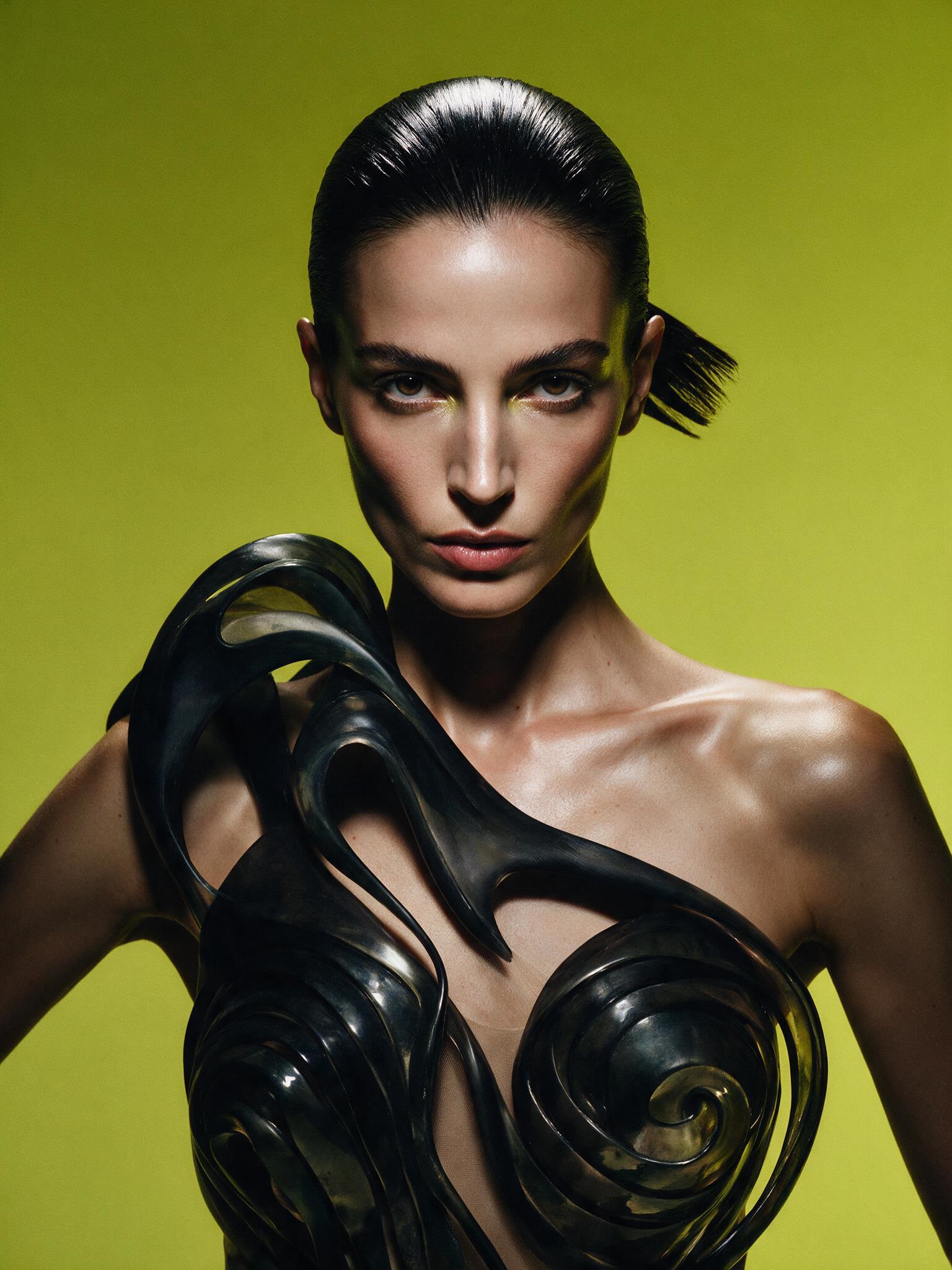
Posters, product shots, and keyframes — then animate any of them into motion.
Feed a line, get a clean on-camera performance — synced to the syllable.
Lift movement from a reference clip and hand it to your character.
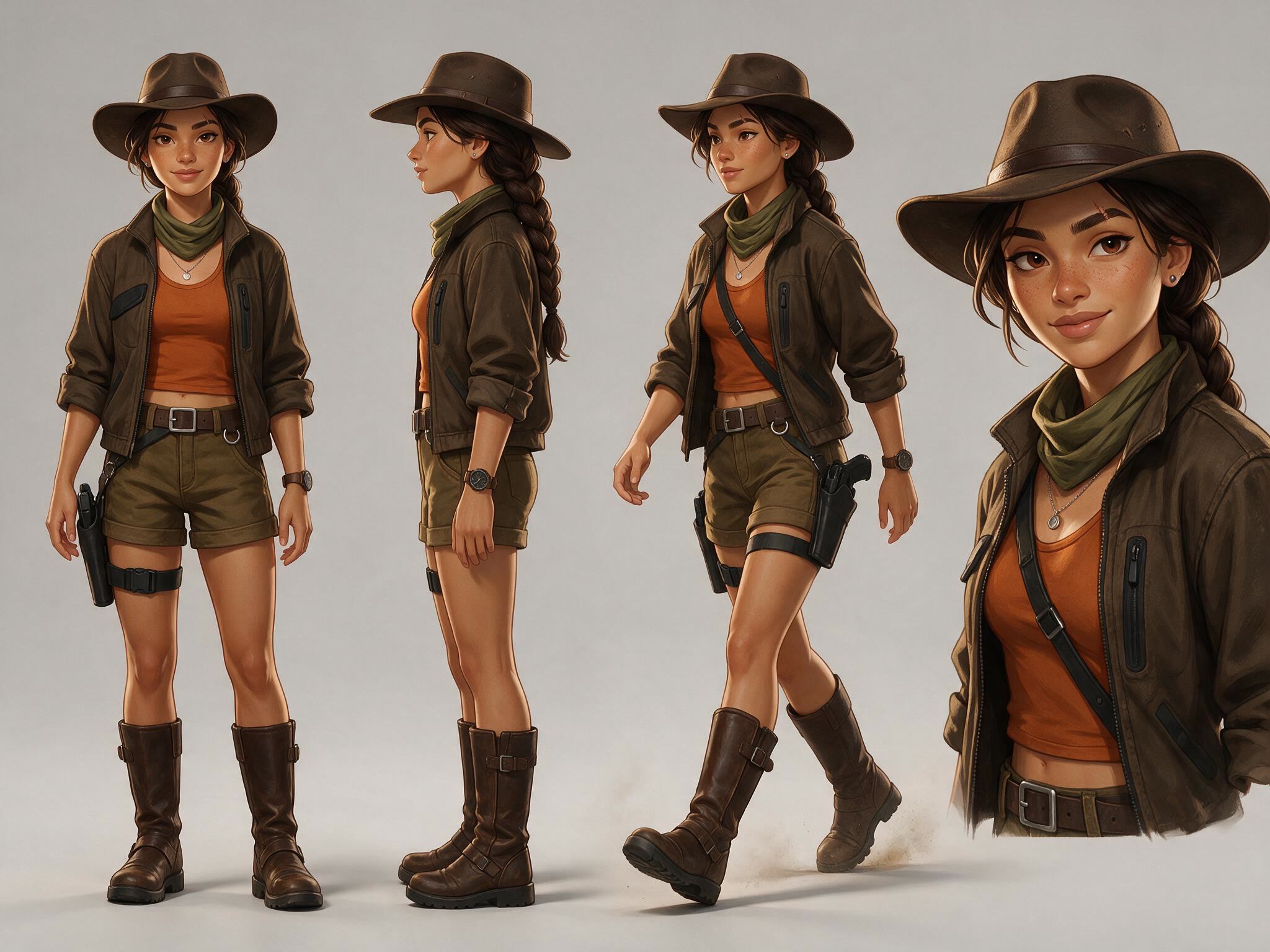
Lock a character, a product, a world — consistent across every scene you render.
Free credits on signup. No card, no watermark on your imagination.